
No mater users create a new item or edit the existed item, the detailed information they need to know after scanning:
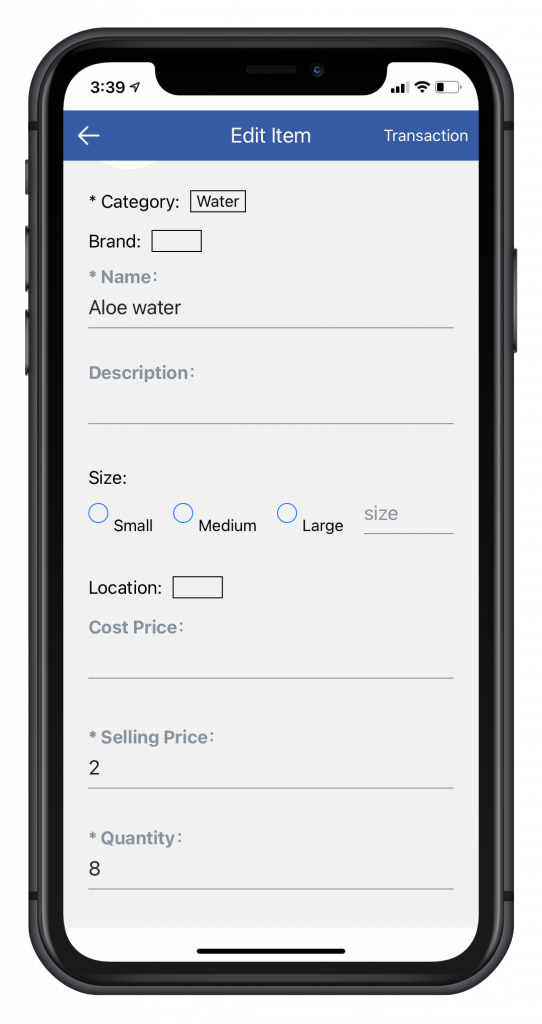
For each item, category, name, selling price, and quantity are required information.
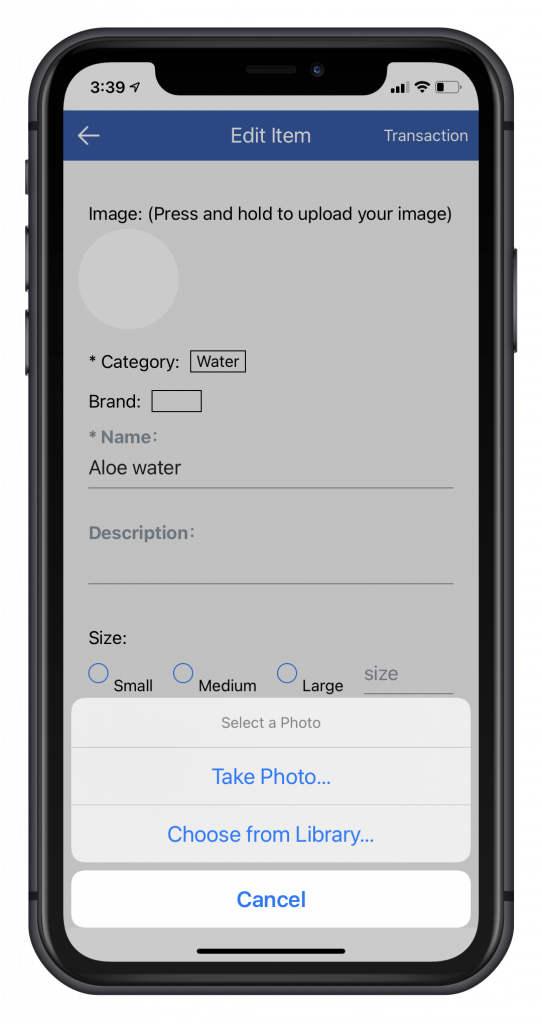
User can set a picture for item by taking photo from camera or selecting from photo library.
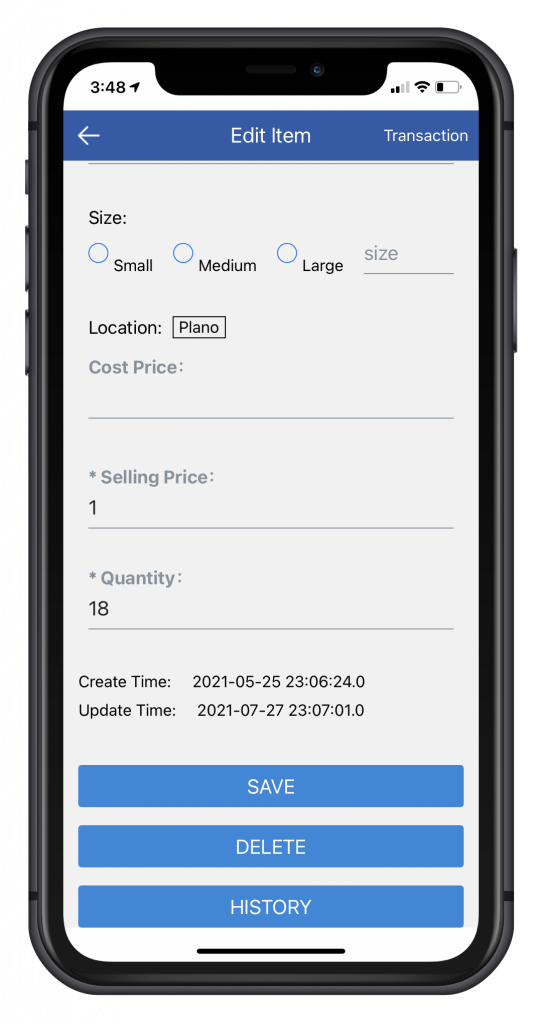
In the bottom, users can update and delete item information, and they can also check the history of transaction.
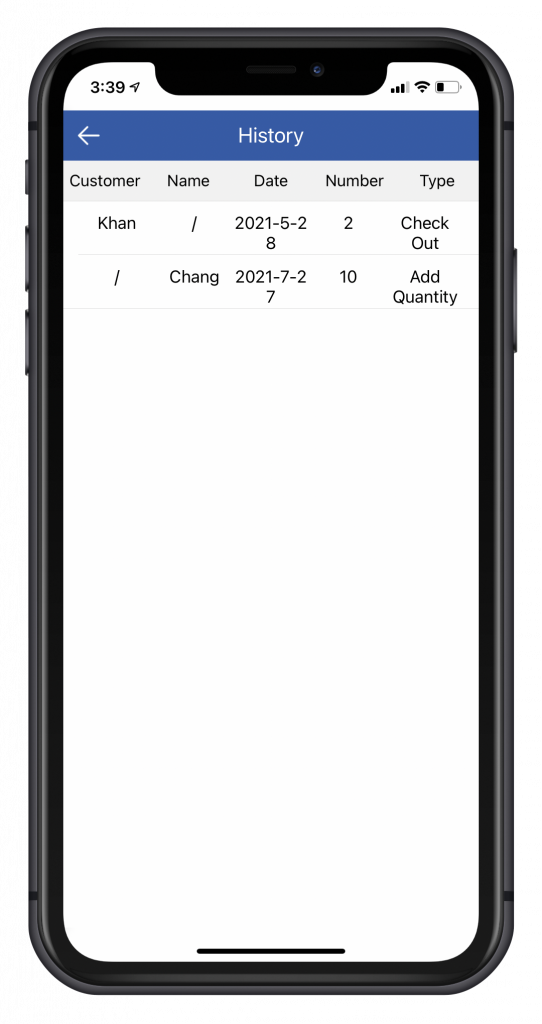
The history page records this item’s all transaction info. “Name” records whether admin or any sub user did this.